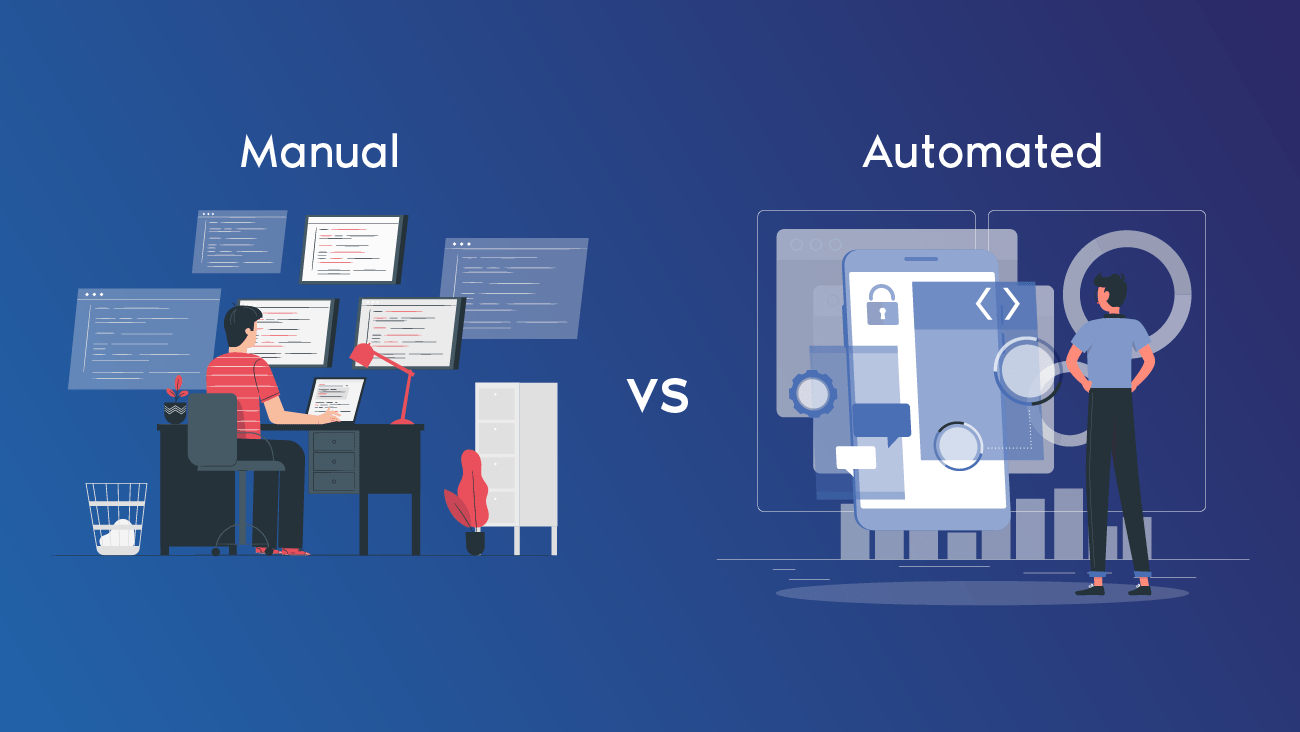
In the QA industry, Automation vs Manual Software Testing is one of the most debated topics. Manual testing relies on human efforts, whereas automation testing uses tools and scripts. But the question arises, “Which one is best for your project or your career?” If you are planning to build a career in software testing, it is crucial to understand the difference between manual and automated software testing. Here, ViewSoft Academy will provide you with everything you need to know about Automation vs Manual Software Testing, its advantages and drawbacks. Stay tuned to learn more details!
“The employment for QA analysts and testers is expected to grow 15% from 2024 to 2034, according to the U.S. Bureau of Labor Statistics.The global automation testing market was projected at somewhere around USD 24.7 billion in 2022 and is expected to grow at a compound annual growth rate (CAGR) of 16% and reach around USD 52 billion by 2027.”
What Exactly Is Manual Testing?
Manual testing refers to a software testing process where testers manually execute test cases on a software application without any automation tools by acting like a user to uncover bugs or defects. The testers ultimately validate the software against the requirements of the application and the expectations for user experience, identify bugs or defects, and communicate and report those to stakeholders and personnel who must repair any uncovered issues. Manual testing is necessary for usability testing and some testing, for example, for initial feasibility testing before any part of that process becomes automated.
What is Automation Testing?
Automation testing is the term used to describe when a software application is tested through the use of software to supplement or replace manual testing. Automation testing uses pre-scripted tests to perform the testing of the application to look for potential bugs and ensure the application functions as expected. Testing using automation is faster, more accurate, and more repeatable than manual testing.
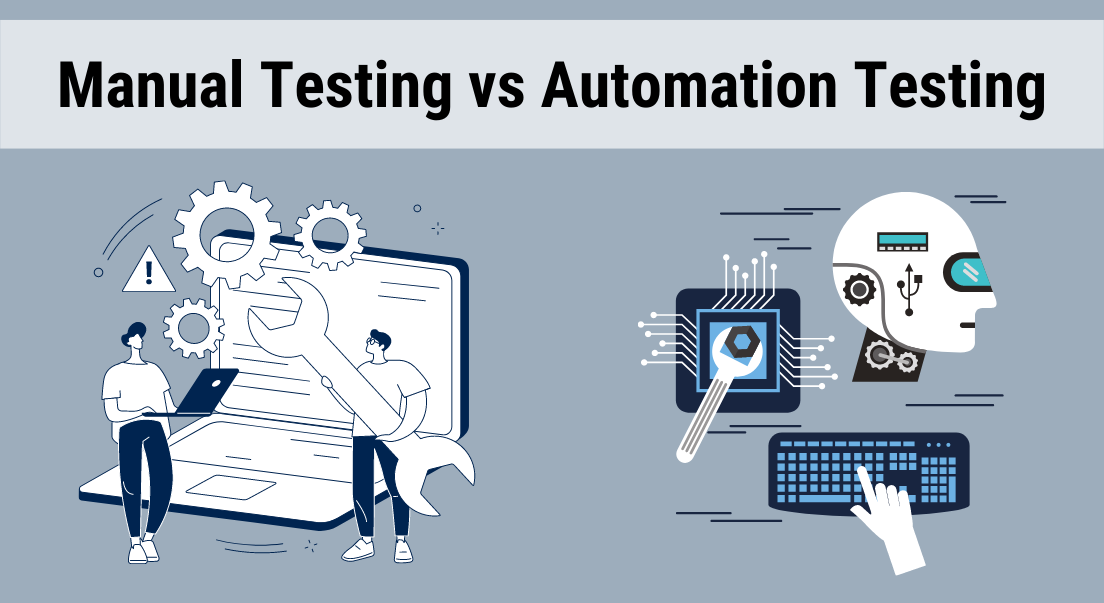
What are the Key Differences Between Manual & Automation Testing?
Here are some of the key differences between manual and automation testing, including:
| Feature | Manual Testing | Automation Testing |
| Execution | Performed by humans | Executed by tools and scripts |
| Speed | Slower and time consuming | Much faster and consistent |
| Human Error | Prone to human mistakes | Eliminates human error through automation |
| Initial Cost | Lower (no tools or setup required) | Higher (requires setup, tools and scripts) |
| Long-Term Cost | Higher due to ongoing human effort | Lower with reusable automated scripts |
| Flexibility | High — ideal for exploratory and visual testing | Lower — best for repetitive and stable test cases |
| Scalability | Limited by the number of testers | Highly scalable — can run multiple tests in parallel |
| Best For | User experience, exploratory and short-term testing | Regression, load and continuous integration testing |
What are the Pros and Cons of Manual Testing?
Advantages:
- Flexible and adaptable: Testers can adjust easily to changes and conduct exploratory testing to discover defects that automated testing won’t.
- Lower initial cost: No automation tools or scripting needs to be purchased, making it a lower cost for smaller projects or projects in the beginning phases.
- Easy to get started: It does not require programming knowledge, making it easy for anyone to do basic tests.
Cognitive insight: Provides valuable insights from a human lens, especially for testing usability and user experience.
Drawbacks:
- Prone to human mistakes: Testers will sometimes make mistakes, miss defects, and provide inconsistent results, especially during lengthy or repetitive cycles of testing.
- Time consuming: Manual testing takes time and is laborious and at times impractical, especially in the case of larger applications or frequent regression testing.
- Not scalable: You are limited by the number of testers available and it is hard to coordinate and manage as the project grows.
- Not good for performance and repetitive tests: Manual testing is not suitable for testing large volumes of data and repetitive tests that automated testing runs much faster.
- Higher long term cost: Continuous manual work and the possibility of mistakes over time have the potential to be more costly than automation in the long run.
What are the Pros and Cons of Automation Testing?
Advantages:
Speed: Automated tests can be performed significantly faster than when conducted manually, breaking the execution time from days to hours.
Reliability: Automation reduces the opportunity for human errors and creates more consistent and reliable outcomes.
Coverage: Automation allows for many more test cases to be executed which increases the overall test coverage.
Cost-effective: Automation also decreases costs, over the long-term, by reducing time and effort on repetitive tasks (such as regression testing, etc.).
Efficiency: Automation will free up human testers to focus on more complex, creative and exploratory tasks.
Drawbacks:
- High initial cost: The cost of establishing an automation framework and scripting tests is high initially.
- Maintenance: Once the application has changed then scripts need to be maintained and updated, which can be a time-consuming activity.
- Limited to certain tests: Automation offers no benefit to testing human experience or usability or other ‘human-feeling’ aspects of a system.
- Requires skilled developers: Automating and maintaining automated tests requires code knowledge.
- May miss some bugs: Automated tests cannot replicate human intuition and human creativity, and therefore, developers and testers will always miss issues that may be very complex or nuanced.
When Does Manual Testing Make the Most Sense?
- When your project has repetitive or extensive test cases
- For regression, load, or performance testing, where quick and accurate tests are critical
- When working inside a CI/CD pipeline, seeking to get software delivered faster
- When repeatable and consistent results, while minimizing human error is a necessity
- When manual testing is too labor intensive or time-consuming, drawing from too many resources
When Should You Transition Over to Automation Testing?
- In the early phase of development, when feature changes frequently
- For exploratory testing or ad hoc testing, needing human insights for validation
- When evaluating UX and visual design
- For short-term or small-scale projects where automation is not practical
- When creative or intuitive testing is necessary to identify something unexpected
Why Should You Learn Software Testing with ViewSoft Academy?
- Use a practical learning experience around both manual and automation testing
- Learn industry accepted tooling like Selenium, JUnit, and Jenkins
- Develop QA job-ready skills in six months
- Learn under an expert instructor, utilizing real-world labs and projects
- Get career support and real-life guidance to confidently transition into the IT field
Wrapping Up!
To sum up everything that has been stated so far, the above information on the topic “Automation vs Manual Software Testing” states the key differences, advantages and drawbacks to help you start your career in software testing. Enroll Today and start your journey to becoming a skilled software tester with ViewSoft Academy.
FAQs About Automation and Manual Software Testing
Question 1. What is the key difference between manual and automation testing?
Answer. Key difference between manual and automation testing is that manual testing is done by human testers without using tools, whereas automation testing uses scripts and software tools for executing test cases automatically.
Question 2. What type of software testing should beginners learn first?
Answer. To understand the fundamentals of QA, test case design, and defect tracking, beginners should start with manual testing and then move to automation tools like Selenium or Appium.
Question 3. Which automation tools are most commonly used in the industry?
Answer. Some popular automation tools include Selenium, Appium, TestNG, JUnit, Jenkins and Cypress based on the needs and technology stack of the project.
Question 4. What skills are required to become an automation tester?
Answer. The skills required to become an automation tester include a good grasp of programming basics (like Java, Python, or JavaScript), testing frameworks understanding and experience using automation tools.