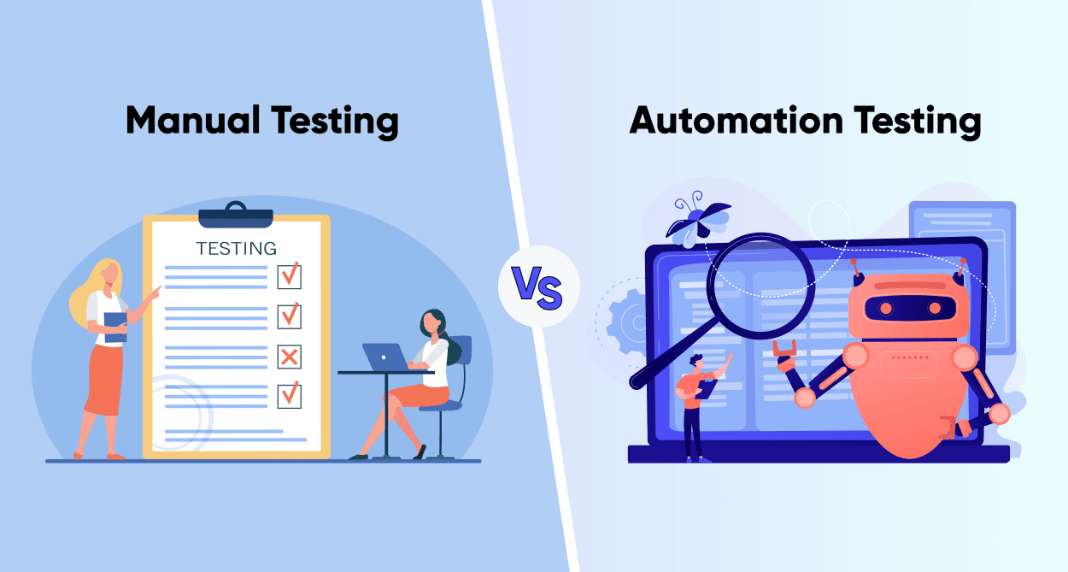
In modern software quality assurance, manual testing and automation testing play a crucial role. This is why understanding the difference between Manual Testing and Automation Testing can help professionals and students choose the right path in their IT careers. Here, ViewSoft Academy will provide you with everything you need to know about the Difference Between Manual Testing & Automation Testing, their advantages and when to use them. Stay tuned to learn more details!
What is Manual Testing?
Manual testing refers to the practice of testing software applications by having a human tester manually execute test cases to identify and disclose defects in the software, without the use of automated tools. The testers will take on the role of an end user by following a workflow that includes requirement analysis, test case preparation, test execution and defect reporting. Examples of this type of software testing include exploratory testing, usability testing and ad-hoc testing.
How Do Testers Execute Test Cases Manually?
- Simulations of User Interactions: Testers can also interact with the software directly, like a regular end user would, by clicking buttons, typing information into fields, and navigating through numerous screens.
- Following Test Cases: Testers will also follow a detailed test case, which is a complete set of steps that is written by a tester or a test designer to validate specific functionality or a feature.
- Comparing Actual vs Expected Results: With the use of every step in the Test Case, the tester will compare their actual results to their predicted results, to determine if there was a defect or issue if they do not match.
- No Automation Tools: Overall, the execution is conducted manually, without any automated scripts or software designed to run the test cases automatically.
What is Automation Testing?
Software testing can be automated, a technique that involves using testing tools and scripts to execute predefined test cases without requiring human input. It is designed primarily as an approach to increase the speed, efficiency and dependability of the testing process, especially for tasks that would otherwise be repetitive and time-consuming.
Simulate User Actions: Automation tools like Selenium can execute actions within a browser, to simulate clicking on the button, filling in text or navigating web pages.
Interact with APIs: using automation tools like Postman, testers can send requests to application programming interfaces (APIs) and receive responses to validate how the backend was executed.
Execute Unit Tests: Each developer may use unit test frameworks like JUnit to specify a test for limited code functionality, where the test framework can then automatically execute the tests.
Compare Results: Each automated script or framework will compare the actual results of the action with what was expected, which is flagged as a failure.
Commonly Used Tools:
- Selenium
- JUnit
- QTP (QuickTest Professional) / UFT (Unified Functional Testing)
- Cypress
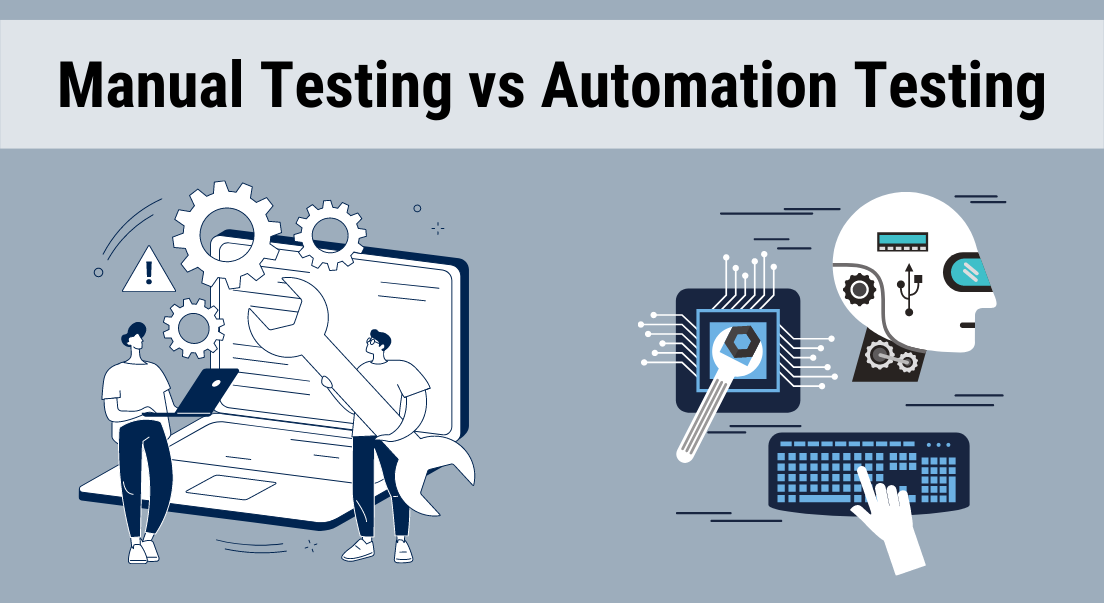
What are the Key Differences Between Manual and Automation Testing?
Here are some of the key differences between manual and automation testing, including:
| Aspect | Manual Testing | Automation Testing |
|---|---|---|
| Execution | Done by human testers without tools | Uses scripts and automation tools |
| Speed | Slower and time consuming | Much faster and efficient |
| Accuracy | May include human errors | Highly accurate and consistent |
| Cost | Lower initial cost | Higher setup cost, but saves time later |
| Best For | Exploratory and usability testing | Regression and performance testing |
| Skill Need | Requires analytical and testing knowledge | Requires coding and tool expertise |
| Human Involvement | High, relies on manual effort | Low runs automatically once set up |
What are the Advantages of Manual Testing?
Some of the main advantages of manual testing include the following:
- Cost-effective: Manual testing has a lower up-front cost than automated testing, making it suitable for small projects or those that are still in the development phase.
- Flexible and adaptable: Testers are able to adjust to changes in the software easily and will be able to meet dynamic requirements, such as testing a new, unscripted feature.
- Human intellect and intuition: Testers are able to leverage their experience and ingenuity to discover subtle bugs and usability issues that are often missed by automated test cases.
- User experience oriented: It provides a “real-user” perspective with respect to the look, feel and overall user-friendliness of the application.
- Easier to learn: There is no need for specialized programming skills and manual testing is generally easy for the new tester to pick up.
- Effective for specific tasks: Manual testing is especially useful for exploratory, ad-hoc and usability testing, especially for new software before it is fully automated.
What are the Advantages of Automation Testing?
Some of the key advantages of automation testing include the following:
- More efficient and faster: Automated tests can be executed much quicker than manual tests, reducing the overall time to complete a test cycle.
- Increased test coverage: Automation allows for the execution of many test cases in a shorter period of time, increasing test coverage on a broader swatch of features.
- More consistent and accurate: Automated tests will follow the same steps accurately every time they are run – without human error, thus providing reliable results all the time.
- Savings: Using the same scripts over and over again, executing tests without intervention, allows for time and long-term cost savings when compared to manual tests.
- Early detection of defects: Building automation into development allows for early bug detection and fixes compared to waiting until testing begins.
When to Use Manual vs Automation Testing?
Here is when manual or automation testing is performed:
When to perform manual testing
- To find problems related to user experience and find out how real users interact with the software.
- Apply human skills and testing to examine the application in an unstructured manner.
- When the application is new and changes regularly, manual testing may be the most efficient when the alternative is continually updating automated scripts.
- When visual differences are an important part of the testing landscape.
When to perform automation testing
- Run the same test cases to verify that nothing is broken with the new code that was introduced.
- Simulating a large load of users against the application when evaluating stability and performance is desired, but this is inherently challenging to do manually.
- Automate any test case that needs to run multiple times as it will save time and reduce human error in the process.
- Test stable areas of the application to prove that the application is consistent over time.
- Validate that the application is working correctly across browsers or platforms with complete confidence.
How ViewSoft Academy Helps You Master Testing?
At ViewSoft Academy, we are here to help you master software testing skills. Some key features include the following:
- Hands-on labs for Manual and Automation Testing
- Real-world project simulations
- Expert trainers with industry experience
- Skill mastery in just six months through structured modules
Conclusion
To sum up everything that has been stated so far, the given information on the topic “Manual Testing vs Automation Testing” states some of the key differences between them, their advantages and limitations and when to use them. If you want to start your career as a software tester, take your first step in learning with ViewSoft Academy. Enroll Today!