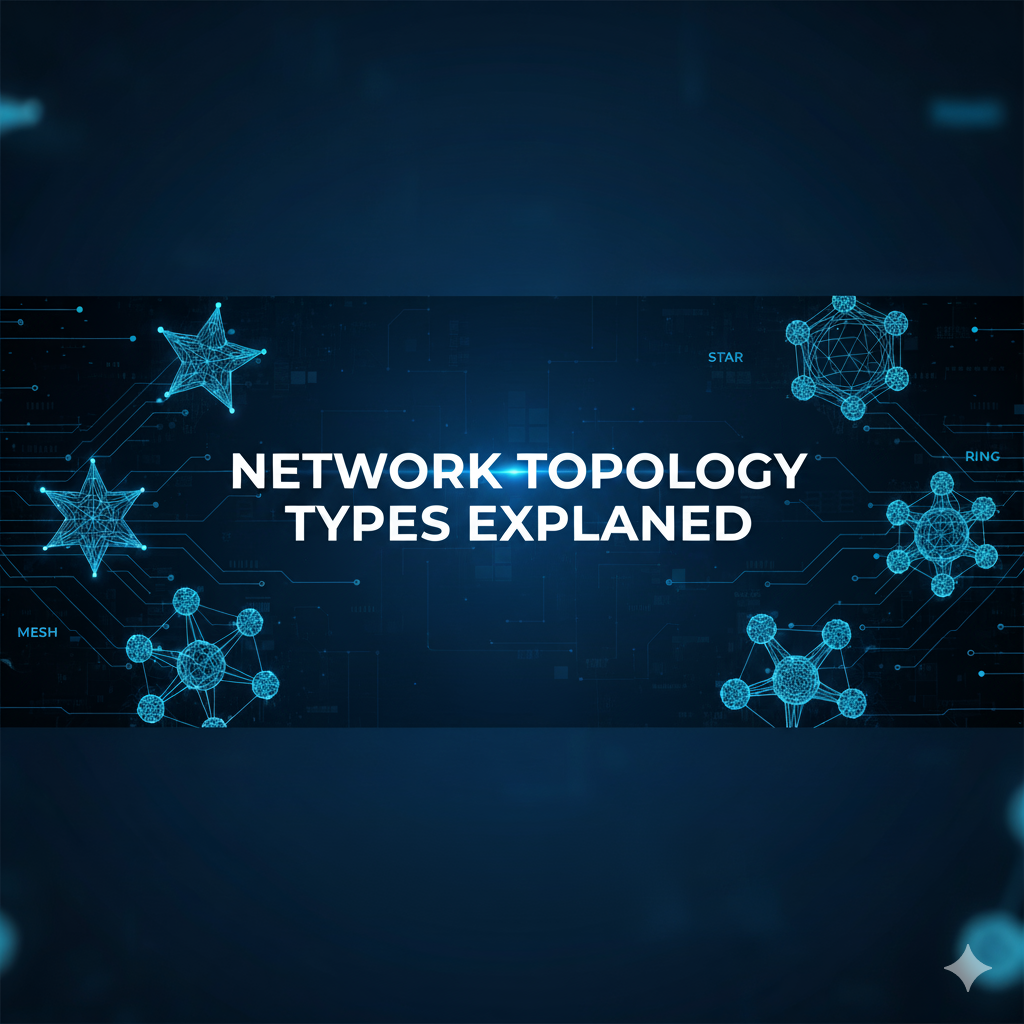
People often get confused among the various types of network topology. They don’t even understand which topology they should use. If you are not aware of network topology and its types, don’t worry, this guide will help you understand each concept in a beginner-friendly way. Here, you will learn about the network topology and its importance in establishing a connection between other devices, and then you will get an in-depth knowledge about its various types. This is going to be the one-stop solution to understand and clear your basics.
What is Network Topology?
Network topology is the physical or logical organization of devices and connections in a network. They define how devices interconnect with each other, and data flows through a network. There are generally two types of computer network topologies: physical and logical. Physical topology is the layout of computer cables or other network devices, while logical topology is a representation of how data flows in a network, regardless of the physical topology of the devices.
Why is Network Topology Important?
- Impact on Network Performance
- Scalability and Flexibility
- Cost-effective
- Enhanced Security
- Ease of management and troubleshooting
What are the 7 Types of Network Topology
Point-to-Point Topology
This is the most basic topology imaginable; only two devices are connected, and by using a single link. There are no middlemen; data goes from device A to device B. This is incredibly efficient for two endpoints; however, it is not scalable.
Example: Connecting your laptop to a printer using a USB. You have two devices, and they connect directly.
Bus Topology
In a bus topology, all devices connect to a single communication channel called a backbone. Data travels down this central channel; every device connected can “listen” to the data traveling down it. The key issues with a bus topology are that, as more devices are connected, the eventuality of collisions increases since everyone is using the same channel. Secondly, if the backbone fails, the network is down.
Example: Think of a single road in your colony that all the houses use as the entry to that road. If the north or south side of the road is blocked, no one can move. Also, if way too many vehicles (data signals) use the same channel at once, you are going to have a traffic jam (collision).
Ring Topology
Here we have a closed loop connection, devices are each connected to two (one on each side), and data flows around the circle in one direction. Disruption occurs if an individual connection fails. Dual-ring eliminates this issue by allowing data to travel in both directions and, therefore, could provide a second path for connectivity.
Example: Think of a relay race. Each runner makes their way around a circular track, passing the baton to the next runner. If one runner stops, then the baton never reaches the finish. In a dual-ring, you would have two tracks, so if one were to close, there is another track the baton can utilize to reach the finish.
Star Topology
In contrast to a ring topology, here we have a central hub or switch where all devices connect directly. In other words, each device communicates through this central point. If one device goes down, the other devices function as expected. If the hub itself fails, the entire network appears as though it failed.
Example: Your Wi-Fi network at home. Your mobile phone, smart TV, and laptop each connect to a home router. If your phone disconnects from the router, the other devices can still connect to the Internet. If the home router dies (the central hub), then there is no Internet access for any devices.
Tree Topology
Tree topology incorporates hierarchy. It takes the best of both star and bus topologies. The base hub is the root, the major central hub. It connects to many smaller hubs; each smaller hub manages nodes. It provides a scalable structure, but it is highly dependent on the root hub.
Example: A corporate office’s organization. The IT department is the root hub. Each department (HR, Finance, Operations) connects to individual employees through their respective mini hub. If the IT hub fails, the entire office network fails.
Mesh Topology
Mesh topology is when every device is interconnected. In a full mesh topology, every node has a direct link to every other node. In a partial mesh topology, only critical nodes have direct links to multiple nodes. The greatest benefit of mesh is fault tolerance; if a link fails, the data is routed through an alternative path. The downfall is the cost and complexity of managing.
Example: Air travel between metropolitan cities. In a full mesh, every city has a direct flight to every other city (higher cost with reliability). In a partial mesh, only the busiest hubs (Delhi, Dubai, and London) would connect directly, while smaller cities’ connections are through those hubs.
Hybrid Topology
Hybrid topology is a combination of various topologies that can be customized for a specific requirement. Organizations frequently mix star topology with wireless mesh topology and bus topologies to adjust the cost, performance, and reliability of a network. It is versatile, but may require more planning and resources.
Example: A university network. Each building’s wiring follows a star (devices to a central location) topological structure, while all the buildings can interconnect in essentially a tree or mesh topology. A hybrid topology provides adaptability and reliability in this model.
Frequently Asked Questions about Network Topology and Its Types
Question 1. In small networks or homes, which network topology is preferred?
Answer: For small installations, the star topology is generally preferred. In a star network, each device connects to a central hub or router. The star topology is similar to how your home Wi-Fi connects smartphones, tablets, laptops, and smart TVs. Star topologies are easy to manage and troubleshoot, and if one device disconnects, the other devices will continue to work on the network normally.
Question 2. How is mesh topology different from other network topologies?
Answer: The difference with a mesh topology is that all devices are connected to many other devices, allowing for multiple pathways for data to travel. This gives mesh its reliability, as if one connection is lost, the data can reroute without interruption. While being a good option for critical systems, mesh networks are often complex and expensive.
Question 3. What are some of the problems with bus topologies?
Answer: In a bus topology, each device uses a single access to a backbone cable. While bus topologies are simple and inexpensive, if the backbone fails, the entire network fails too. Furthermore, because all devices are using the same segment of cable, collisions can happen, which slows down data communication. Because of this, bus topologies are not ideal for larger rooms or busy networks.
Question 4. Is it possible to use different network topologies within the same network?
Answer: Yes, Hybrid topology is defined as using two or more topologies to balance performance, cost, and reliability. As an example, a large organization might create a star topology for each department in an organization and connect the departments using a mesh, or tree topology, to get the best of both worlds. Therefore, this flexibility can be used to match the network exactly as the business needs.
Question 5. I have no prior knowledge about networking. Do your courses help me to get started and to master more topics?
Answer: Yes, the Viewsoft Academy first brings you through the essentials, and each course then builds your skills using clear reasoning and step-by-step practical examples. Even those new to networking have found the learning curve very manageable, as they have found the material uses reasoning to explain difficult concepts, so you can enjoy learning!
Question 6. How will learning about different network topologies allow me to troubleshoot networking issues faster?
Answer: Understanding the layout of a network will make identifying issues a lot quicker. Viewsoft Academy’s courses take you through the different types of topology so that you will understand the expected behaviour of each type of topology of a network or sub-network. This means when troubleshooting a network, you will be able to identify faults, or failures, identify loss of throughput, identify bottlenecks, or identify security issues much quicker. Therefore, you will save time and earn yourself a reputation as a competent network professional.